Text size
Line height
Text spacing
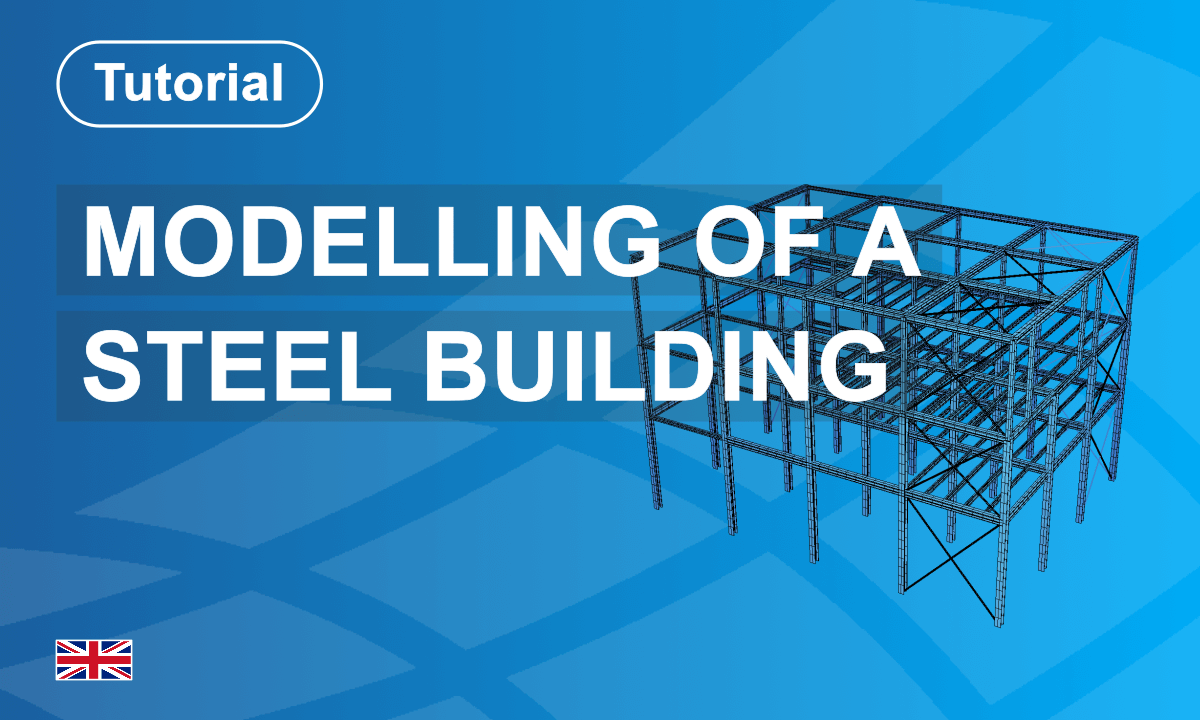
This course introduces the complete workflow for steel structure analysis using SOFiSTiK.
Starting with project setup, you will define materials, cross-sections, and structural geometry before applying loads and boundary conditions. The training demonstrates how to perform structural analysis and evaluate internal forces and structural behaviour.
A key part of the workflow is exporting the structural model using the Structural Analysis Format (SAF). This enables seamless IDEA StatiCa integration, allowing the calculated internal forces to be transferred for detailed connection design workflows. By the end of the course, you will understand how to analyse steel structures and exchange structural data efficiently between analysis and connection design tools.
Happy Learning!


