Text size
Line height
Text spacing
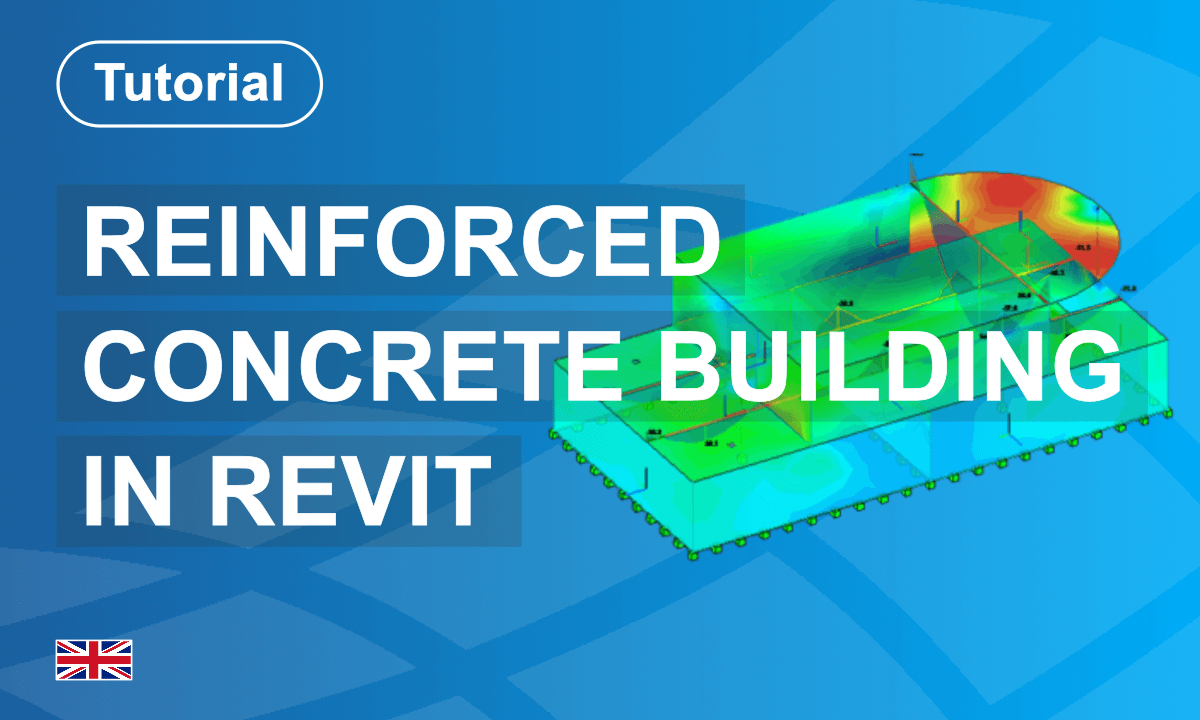
This course introduces structural analysis and reinforced concrete design in Autodesk Revit using SOFiSTiK Analysis + Design.
You will learn how to generate a calculation model (analytical model) directly from an existing BIM model, allowing you to reuse project information instead of starting from scratch.
The training demonstrates how to prepare models for both global structural analysis and localized investigations. Using these models, you will perform linear analysis, evaluate load transfer, and design reinforced concrete elements.
Finally, you will review, visualize, and share the analysis results, enabling efficient documentation and collaboration within a BIM-based structural engineering workflow.
Its main objective is to present the general workflow for modelling building projects in Revit. For this, two applications are used successively: SOFiSTiK Analytical Model Generator and SOFiSTiK Analysis + Design.
Happy Learning!
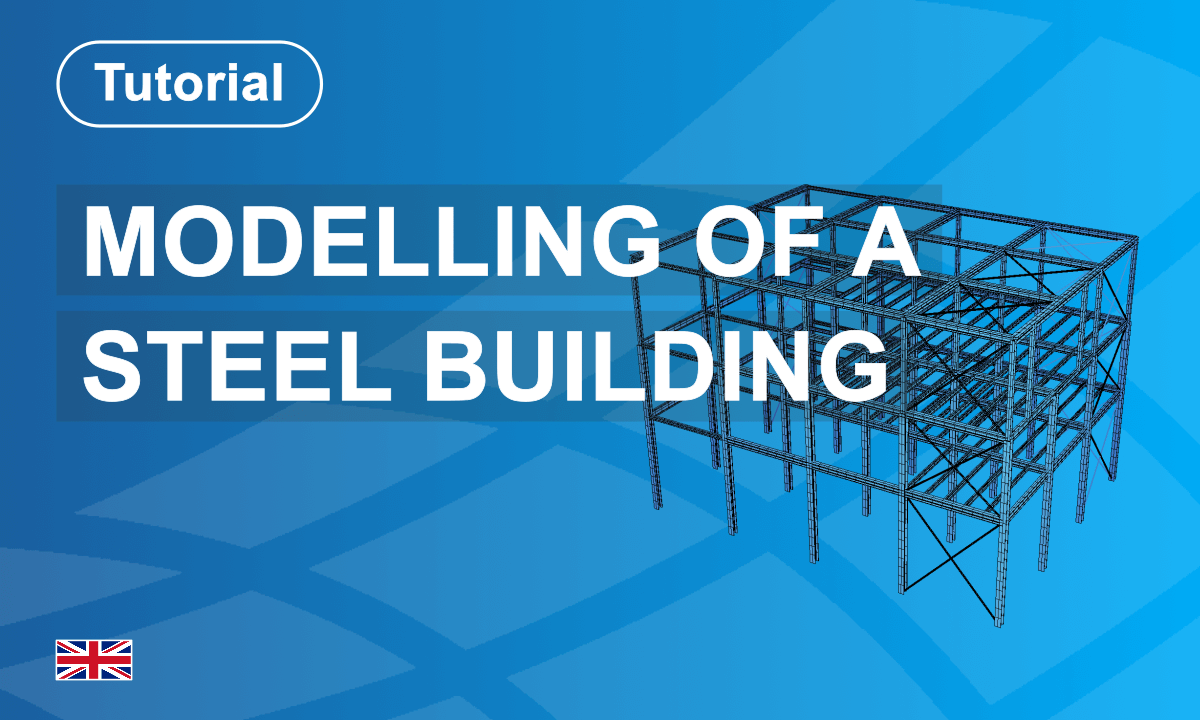
This course introduces the complete workflow for steel structure analysis using SOFiSTiK.
Starting with project setup, you will define materials, cross-sections, and structural geometry before applying loads and boundary conditions. The training demonstrates how to perform structural analysis and evaluate internal forces and structural behaviour.
A key part of the workflow is exporting the structural model using the Structural Analysis Format (SAF). This enables seamless IDEA StatiCa integration, allowing the calculated internal forces to be transferred for detailed connection design workflows. By the end of the course, you will understand how to analyse steel structures and exchange structural data efficiently between analysis and connection design tools.
Happy Learning!
Ce guide Premiers pas vous présente les flux de travail de base et les outils essentiels de SOFiSTiK Reinforcement dans Autodesk Revit.
Êtes-vous déjà un utilisateur expérimenté de Revit et familiarisé avec la modélisation et le coffrage ? Il est maintenant temps de passer à l’étape suivante vers le ferraillage professionnel.
Dans cette introduction structurée, vous apprendrez à placer, modifier et documenter efficacement les armatures à l’aide d’outils BIM intelligents. Vous découvrirez les armatures pilotées par forme et les armatures libres, travaillerez avec des ensembles d’armatures, générerez des listes de façonnage et produirez des plans clairs, prêts pour l’exécution.
L’accent est mis sur des flux de travail pratiques et orientés vers l’application, vous permettant de passer en toute fluidité de la modélisation pure à la planification détaillée des armatures. En combinant l’environnement de modélisation de Revit avec les fonctionnalités spécialisées de SOFiSTiK Reinforcement, vous construirez une base solide pour un ferraillage précis, efficace et basé sur le modèle.
Ce guide Premiers pas vous fournit les bases nécessaires pour commencer à travailler avec SOFiSTiK Reinforcement en toute confiance dans vos projets BIM quotidiens.
Diese Erste Schritte führen Sie in die grundlegenden Workflows und wesentlichen Werkzeuge von SOFiSTiK Reinforcement in Autodesk Revit ein.
Sind Sie bereits ein erfahrener Revit-Anwender und mit Modellierung sowie Schalungsplanung vertraut? Dann ist jetzt der richtige Zeitpunkt, den nächsten Schritt in Richtung professioneller Bewehrungsdetailplanung zu gehen.
In dieser strukturierten Einführung lernen Sie, Bewehrung mithilfe intelligenter BIM-basierter Werkzeuge effizient zu platzieren, zu bearbeiten und zu dokumentieren. Sie arbeiten mit formbasierter und freier Bewehrung, nutzen Bewehrungssätze, erstellen Biegelisten und erzeugen klare, ausführungsreife Pläne.
Der Fokus liegt auf praxisnahen, anwendungsorientierten Workflows, die Ihnen den Übergang von der reinen Modellierung zur detaillierten Bewehrungsplanung erleichtern. Durch die Kombination der Revit-Modellierungsumgebung mit den spezialisierten Funktionen von SOFiSTiK Reinforcement schaffen Sie eine solide Grundlage für eine präzise, effiziente und modellbasierte Bewehrungsdetailierung.
Diese Erste Schritte vermitteln Ihnen die notwendigen Grundlagen, um sicher und souverän mit SOFiSTiK Reinforcement in Ihren täglichen BIM-Projekten zu arbeiten.
Viel Spass beim Lernen!

This Getting Started guide introduces you to the basic workflows and essential tools of SOFiSTiK Reinforcement in Autodesk Revit.
Are you already an experienced Revit user and familiar with modeling and formwork? Now it’s time to take the next step into professional reinforcement detailing.
In this structured introduction, you will learn how to efficiently place, modify, and document reinforcement using intelligent BIM-based tools. You will explore shape-driven and free-form reinforcement, work with reinforcement sets, generate bending schedules, and produce clear, construction-ready drawings.
The focus is on practical, hands-on workflows that help you transition smoothly from pure modeling to detailed reinforcement planning. By combining Revit’s modeling environment with the specialized capabilities of SOFiSTiK Reinforcement, you will build a solid foundation for accurate, efficient, and model-based reinforcement detailing.
This Getting Started guide provides you with the fundamentals you need to confidently begin working with SOFiSTiK Reinforcement in your daily BIM projects.
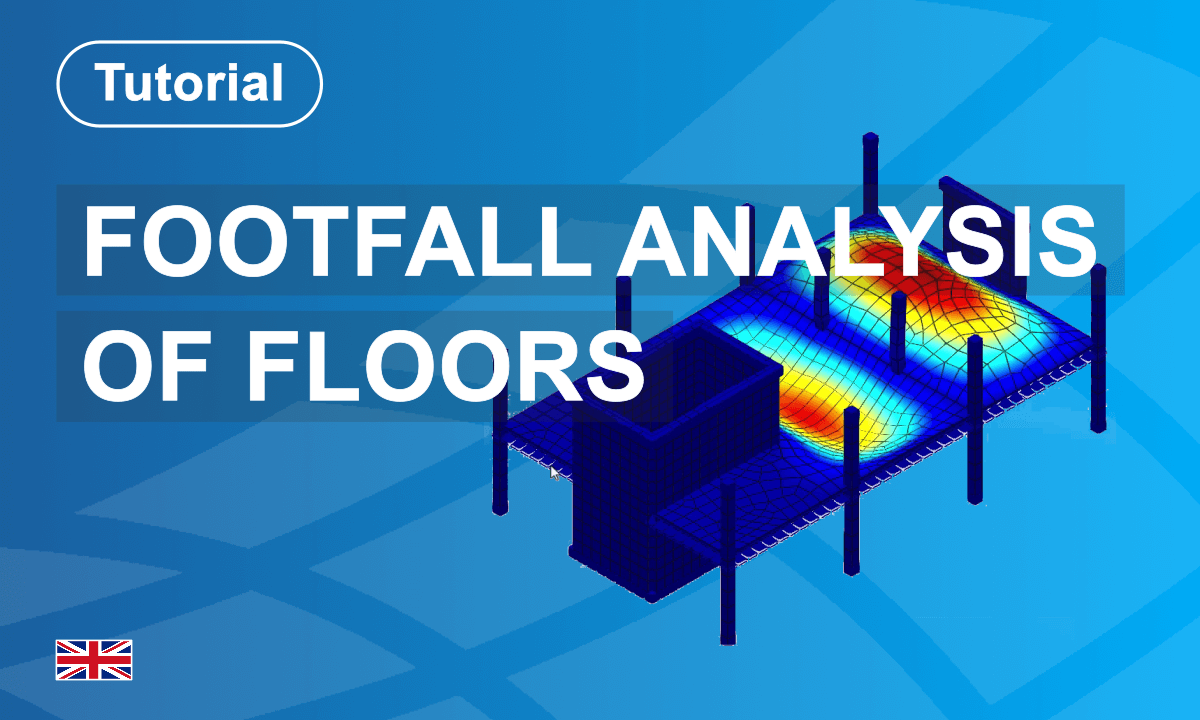
This tutorial focuses on footfall analysis, specifically evaluating the effects of human-induced vibrations (walking or running) on floors, with a primary focus on serviceability and occupant comfort. The analysis is used to assess whether a floor can withstand everyday use without causing discomfort or annoyance to occupants. This is especially important in environments such as offices, hospitals, or residential buildings, where vibrations can affect people’s well-being and performance. The workflow implemented in SOFiSTiK consists of three main stages:
The deliverables of the analysis are response factors, which provide a numerical measure of human comfort in response to footfall vibration. SOFiSTiK provides analysis and verification procedures under the following two design guidelines:
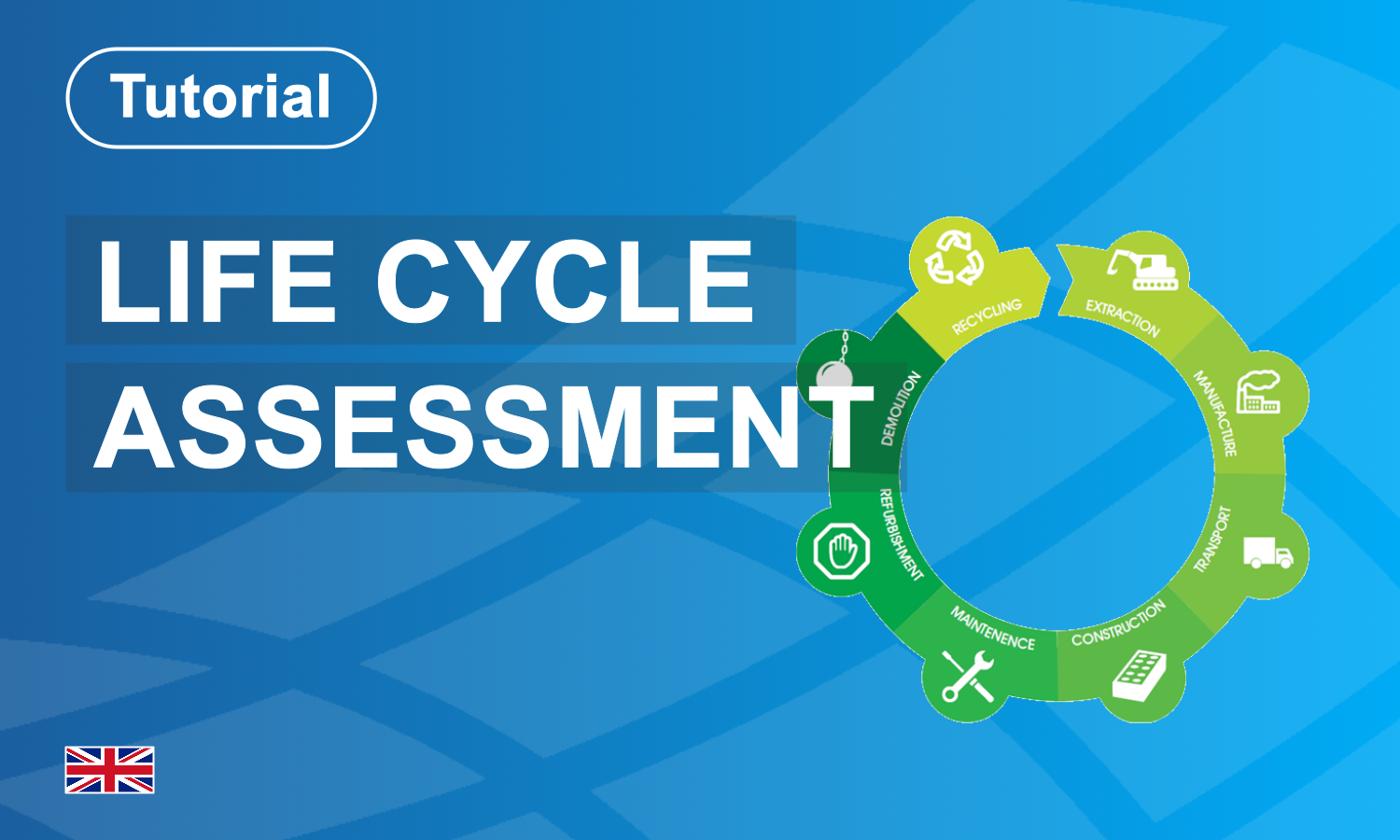
In this tutorial, you’ll learn how to perform a Life Cycle Assessment (LCA) for your structural model using SOFiSTiK’s LCA Task. Starting from a prepared project with defined materials and geometry, we’ll guide you through the key steps:
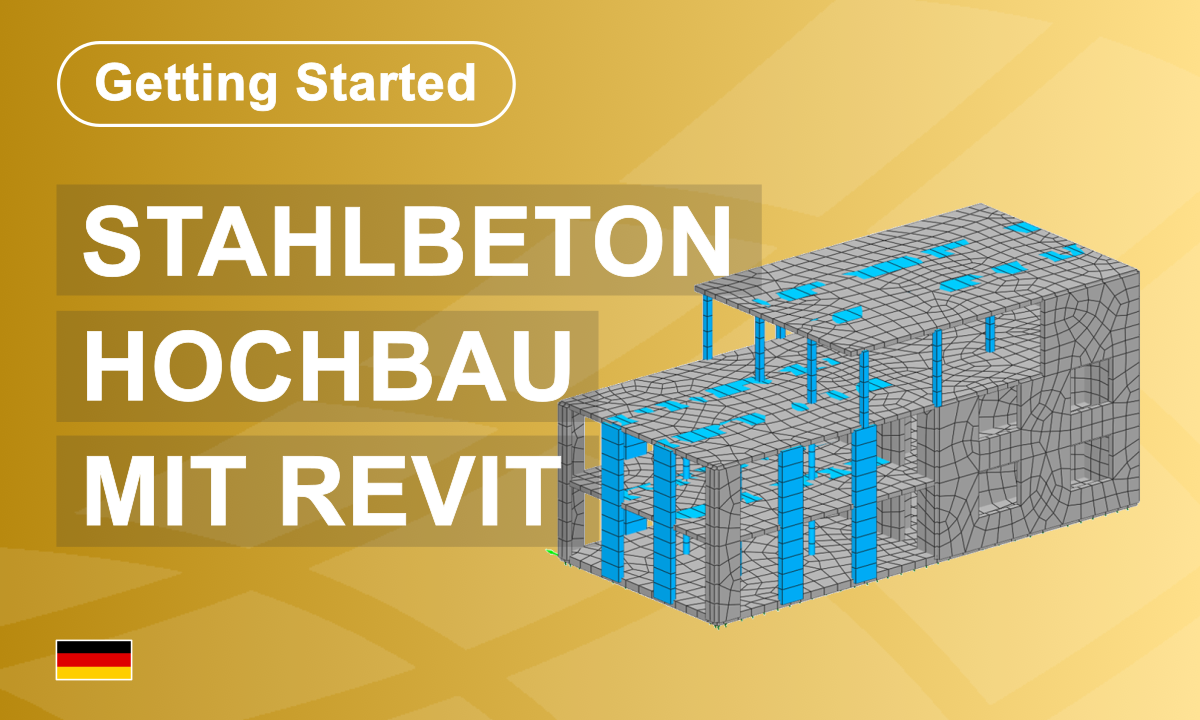
In diesem Tutorial erlernen Sie die grundlegenden Schritte zur Modellierung eines einfachen Bauwerks in der BIM-Plattform Revit® sowie zur statischen Bemessung mit dem Softwarepaket der SOFiSTiK.
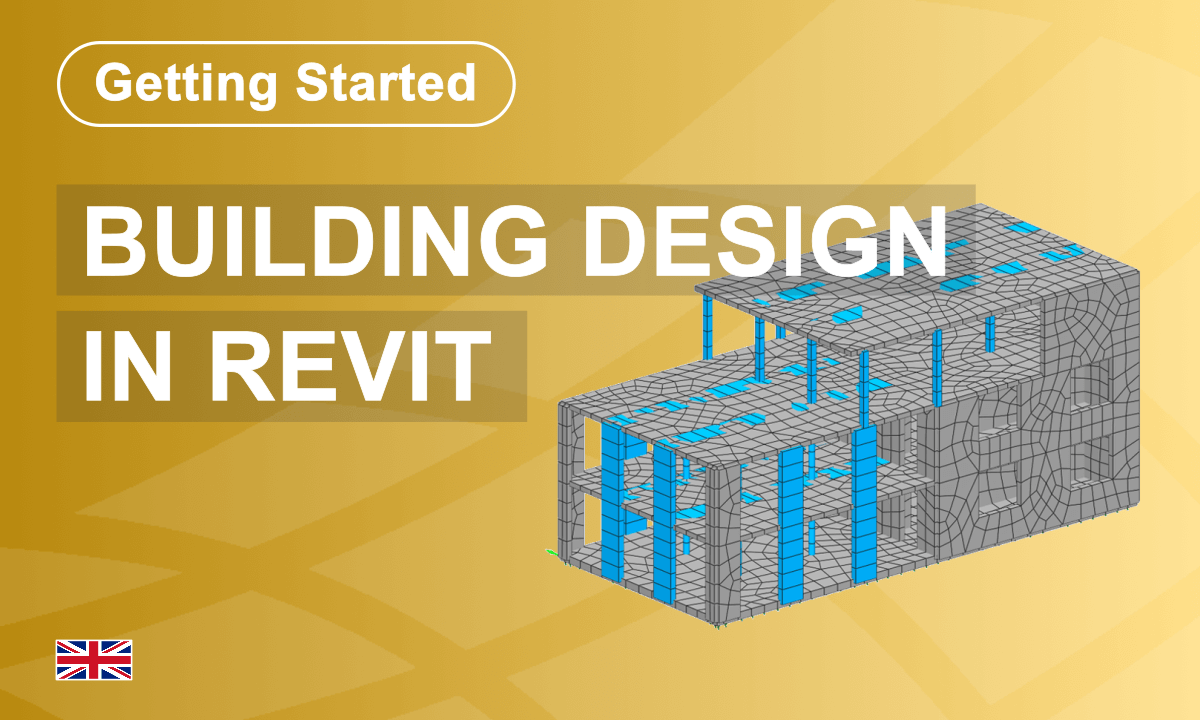
In this Getting Started, you will learn the fundamental steps for modelling a simple concrete structure in the BIM platform Revit® and for analysis and design using the SOFiSTiK software package.
This Beginner Tutorial provides an overview of the basic SOFiSTiK functionalities for your first project. From creating a new project to documenting the results, each step is explained in a short video. An example file is available for download to follow the steps.
Diese Einsteigerschulung vermittelt die grundlegenden Arbeitsabläufe in SOFiSTiK anhand einer Hochbauplatte.
Schritt für Schritt lernen Sie, ein neues Projekt anzulegen, Materialien und Querschnitte zu definieren sowie das System und die Lasten grafisch in SOFiPLUS zu modellieren. Anschließend werden Einwirkungen verwaltet, Kombinationen erstellt, Einzellastfälle berechnet und Überlagerungen durchgeführt.
Darüber hinaus erhalten Sie eine Einführung in die Bemessung von Flächen- und Stabelementen sowie in die strukturierte Ergebnisdokumentation. Die Schulung vermittelt ein grundlegendes Verständnis des modularen Aufbaus von SOFiSTiK und der zentralen Datenbankstruktur.
Ce tutoriel pour débutants offre un aperçu des fonctionnalités de base de SOFiSTiK pour votre premier projet.
De la création d’un nouveau projet à la documentation des résultats, chaque étape est expliquée à travers une courte vidéo. Un fichier d’exemple est disponible en téléchargement pour suivre le processus de votre côté.
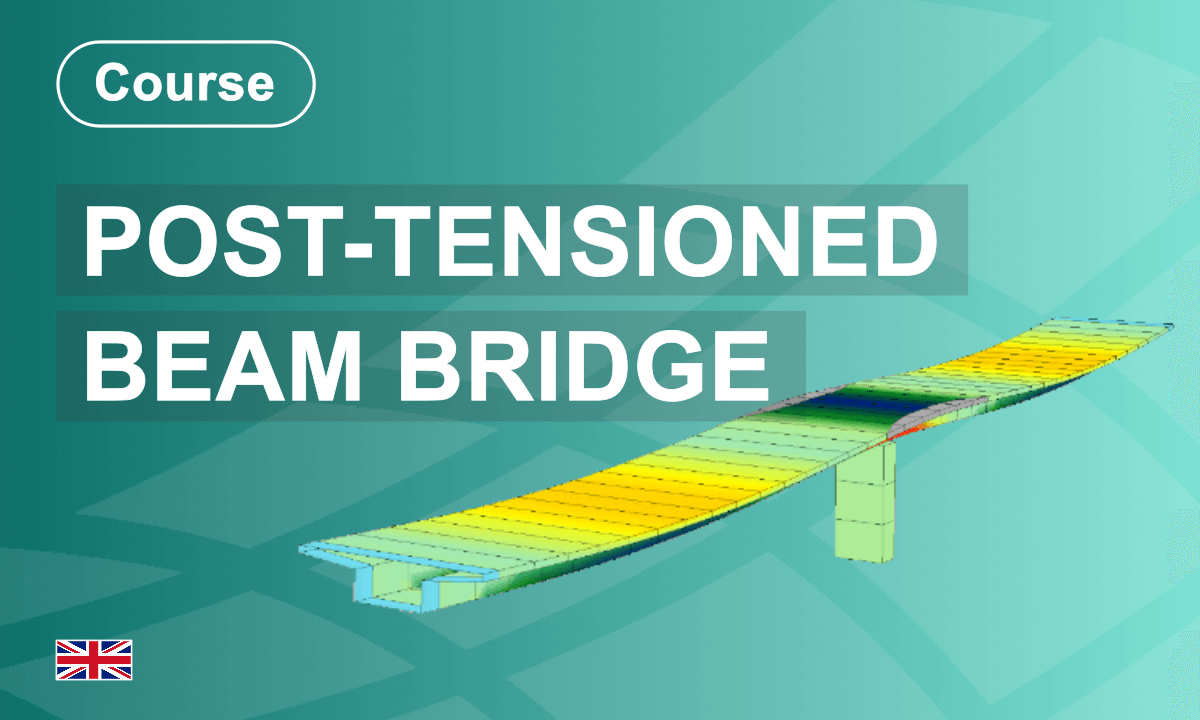
This course teaches the full bridge workflow in SOFiSTiK, from modelling and cross-section definition to prestressing, moving loads, construction stages, superpositioning, and final design checks.
Participants work with graphical tools and CADiNP to understand advanced bridge engineering processes, result interpretation, and report generation.
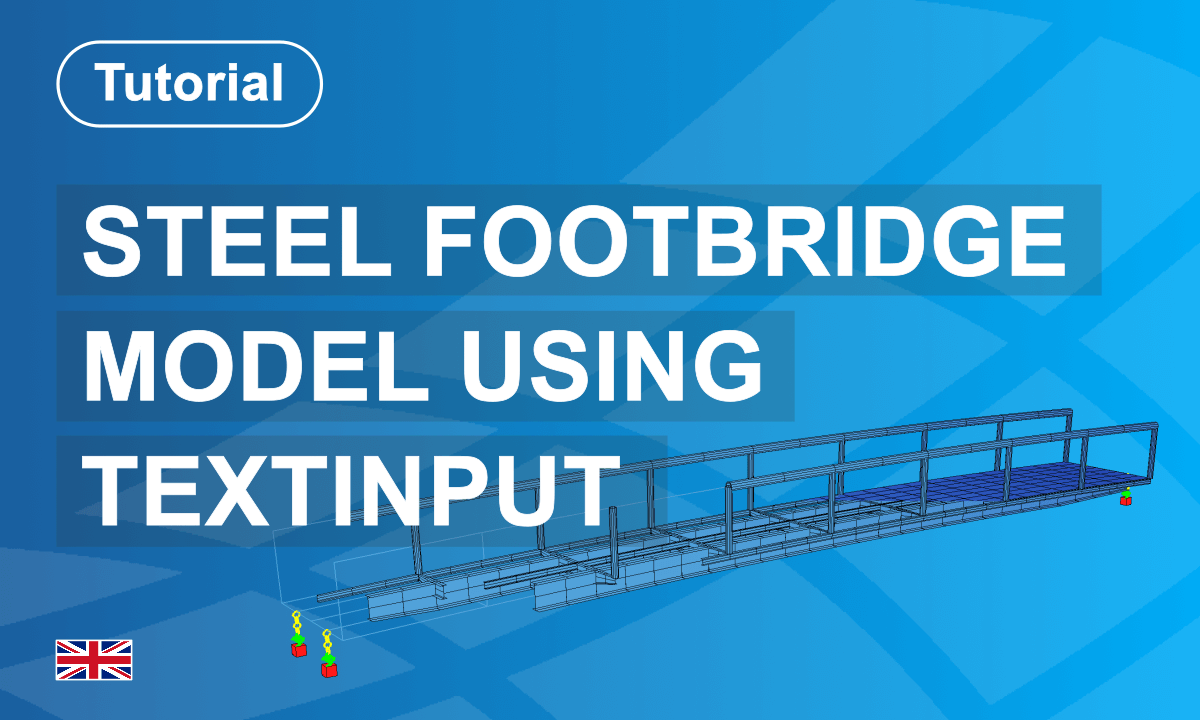
This course introduces the workflow for modelling a steel footbridge structure using SOFiSTiK.
Starting from a practical example, you will define the design code, materials, and cross-sections before creating the structural geometry using geometric axes and structural elements.
The tutorial demonstrates how to model the bridge deck, assign supports, and define loads such as self-weight. After building the structural system, you will perform structural analysis and review the bridge model's structural behaviour.
By following this step-by-step process, you will learn how to create a consistent bridge analysis model and evaluate structural performance within a professional SOFiSTiK workflow.
Happy Learning!
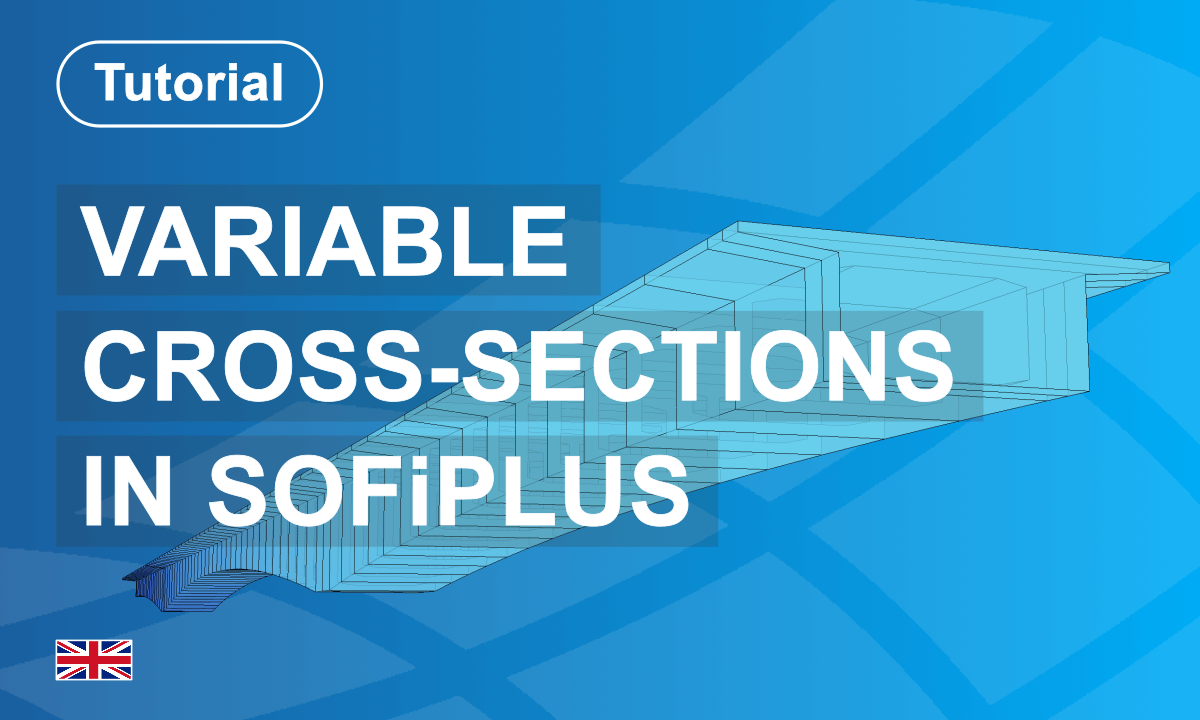
This tutorial demonstrates how to create and manage varying cross-sections in SOFiSTiK SOFiPLUS.
Starting with a new project, you will define a bridge cross-section and introduce parametric variables to control geometric properties. You will learn how to assign default values, define a geometric axis, and apply variable values along the bridge alignment.
The workflow includes extending variable definitions, checking interpolated cross-sections, and working with solid section representations.
Using a practical example, the course provides a structured introduction to efficient, parameter-driven bridge modelling and ensures consistent, reliable geometric transitions throughout the structure.
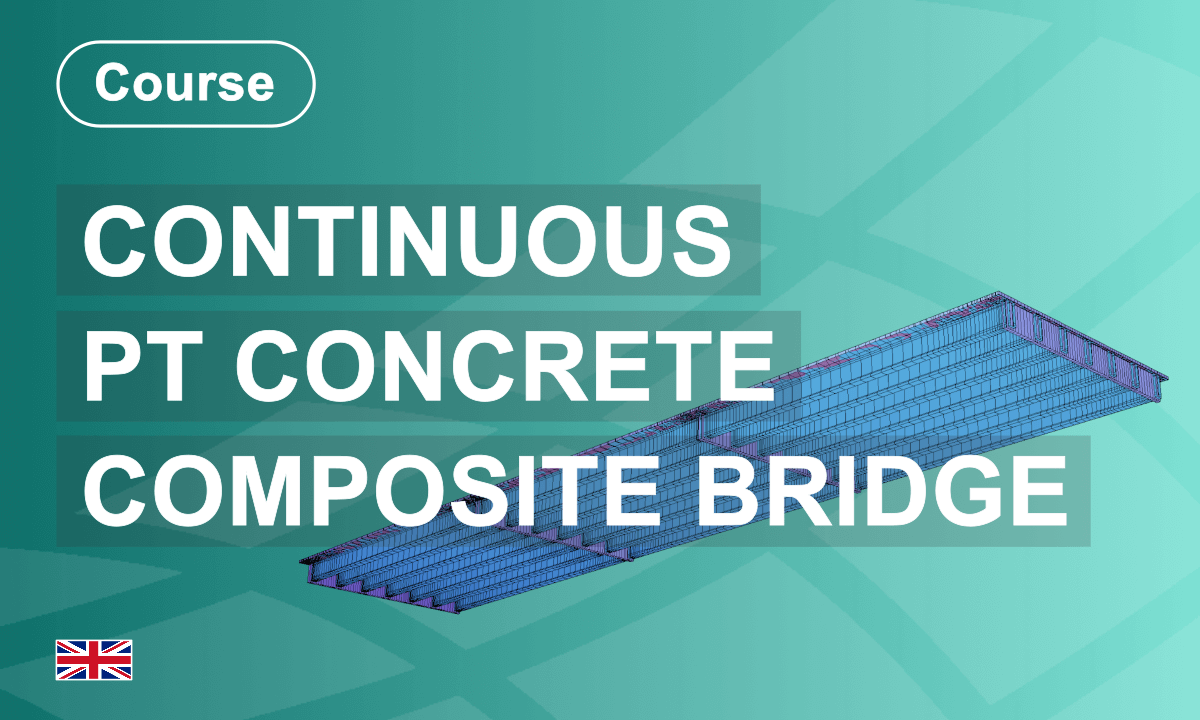
This course provides a complete workflow for modelling, analysing, and designing a prestressed bridge using SOFiSTiK.
Starting with project creation, you will define materials, cross-sections, geometry, loads, and prestressing. You will perform linear analysis, refine the structural model, and consider construction stages and traffic loading.
A key focus is on load case superposition and stress design evaluation. Step by step, you will learn how to combine results correctly and assess structural performance. By the end of the course, you will understand the full process from system definition to structural verification and professional documentation.
Happy Learning!
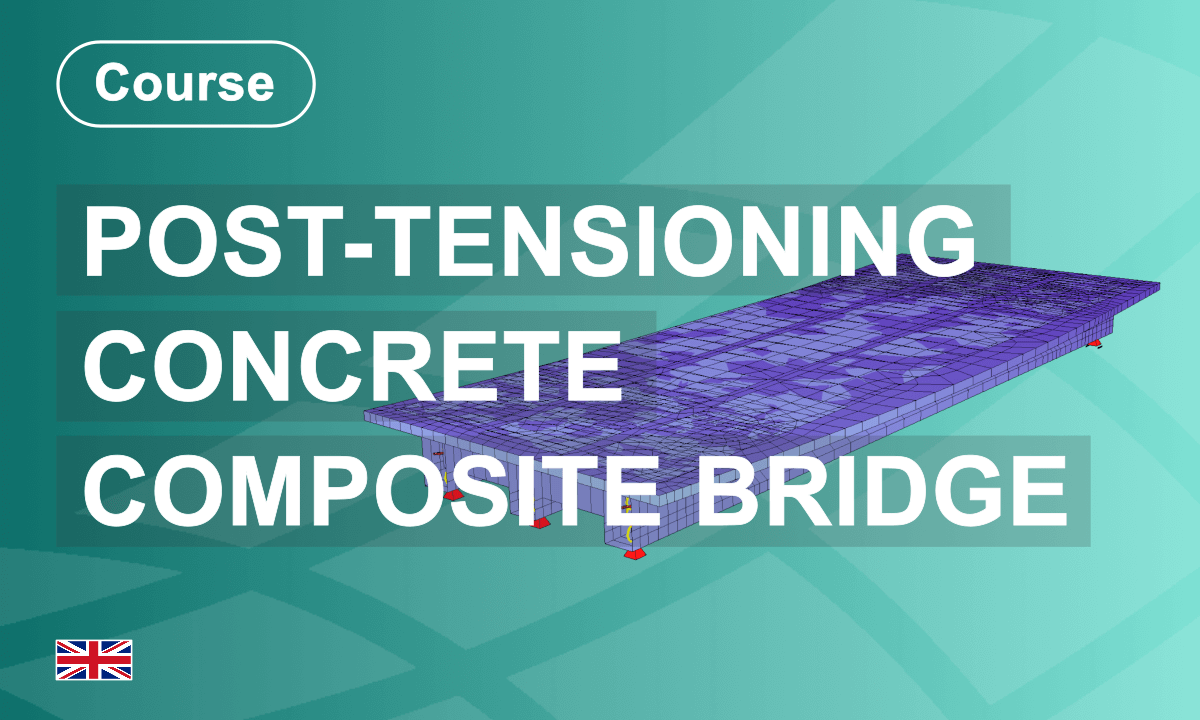
This course provides a complete workflow for modelling, analysing, and evaluating a prestressed bridge using SOFiSTiK. Starting from project creation, material and cross-section definition, you will build the structural system step by step. You will define loads, implement prestressing, perform linear analysis, and consider construction stages. The course also introduces text input, stress evaluation, and structured report generation. By combining graphical modelling and analytical verification, you will gain a comprehensive understanding of bridge analysis and professional structural assessment within an integrated engineering environment.
Happy Learning!
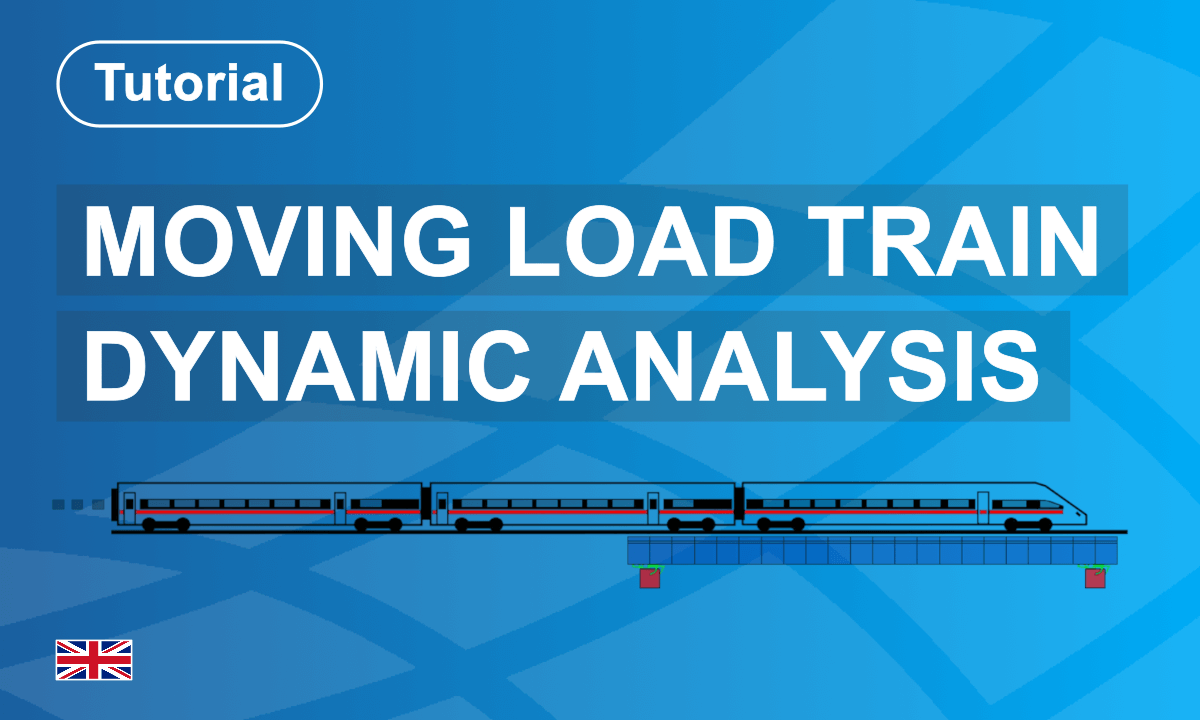
This course introduces you to modal analysis and eigenvalue extraction in SOFiSTiK FEA, with reference to EN 1991-2, Section 6.4.6, and UIC Code 776-2, Section A.6.1.
You will learn how to define the structural system, prepare the model for dynamic analysis, calculate eigenmodes, and interpret results correctly. Step by step, you will understand how stiffness, mass distribution, and boundary conditions influence structural vibration behavior.
The course combines theoretical fundamentals with practical workflows, enabling you to confidently perform the eigenvalue analyses required for railway bridge verification and dynamic compliance in accordance with European design standards.
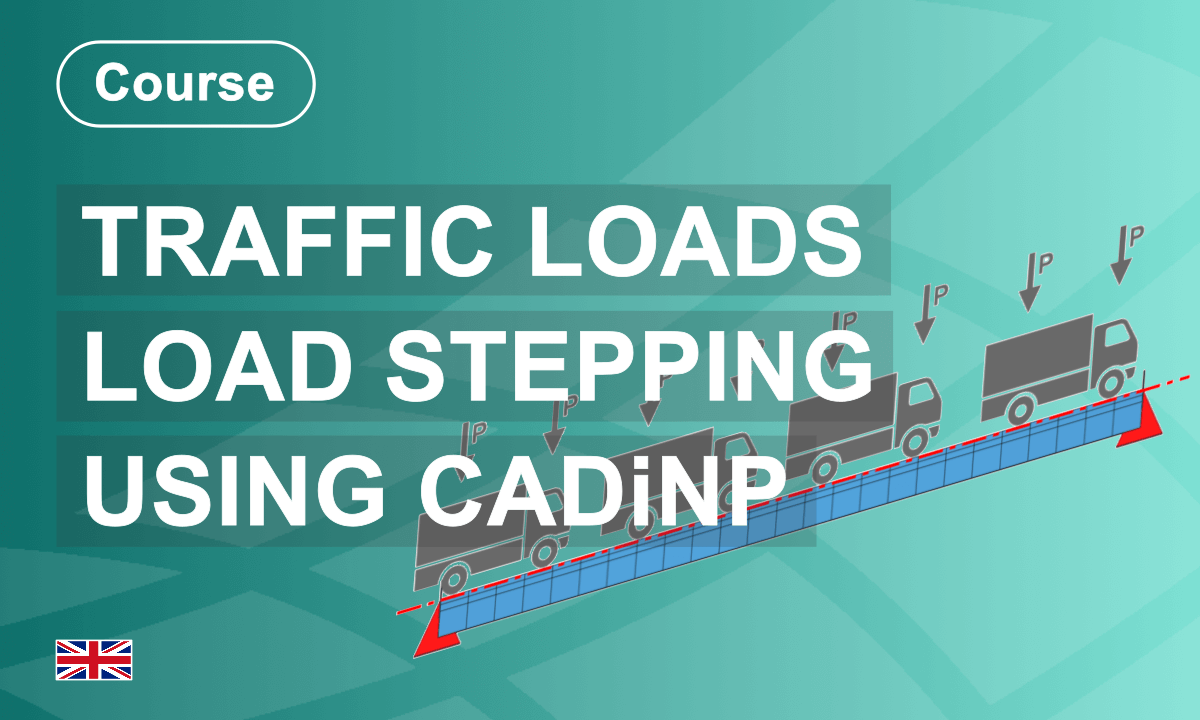
In this course, you will learn about all the necessary steps and how to implement them. As well as how to improve the workflow by introducing variables.
Load stepping is an alternative to the commonly used influence lines (programme module ELLA). However, it requires a 5-step workflow with text-based input to work.
The influence line method.
This method works underneath the Traffic Loader Task in SOFiSTiK Structural Desktop. If you use the text interface, the programme module "ELLA" creates and analyses the influence lines to generate traffic load results and envelopes.
Load stepping method.
Although the influence lines workflow is similar, the Load Stepping method requires a manual definition of every traffic load position.
The workflow:
Step 1 Definition of Lanes
Step 2 Select Load Trains
Step 3 Load Stepping
Step 4 Linear Analysis
Step 5 Create Envelopes
In the following lessons, you will learn about the principles of Load Stepping and be introduced to all five workflow steps. The approach will be illustrated with simple examples, focusing on the necessary inputs to apply everything to your live projects.
Enjoy the Course!
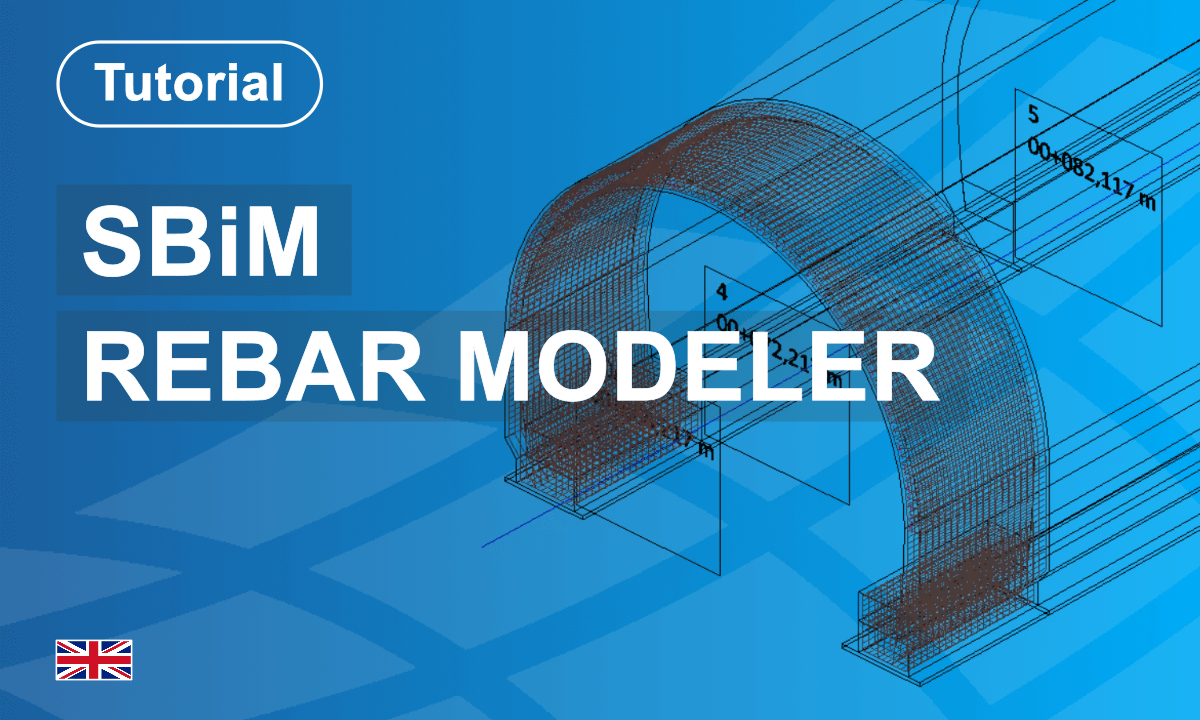
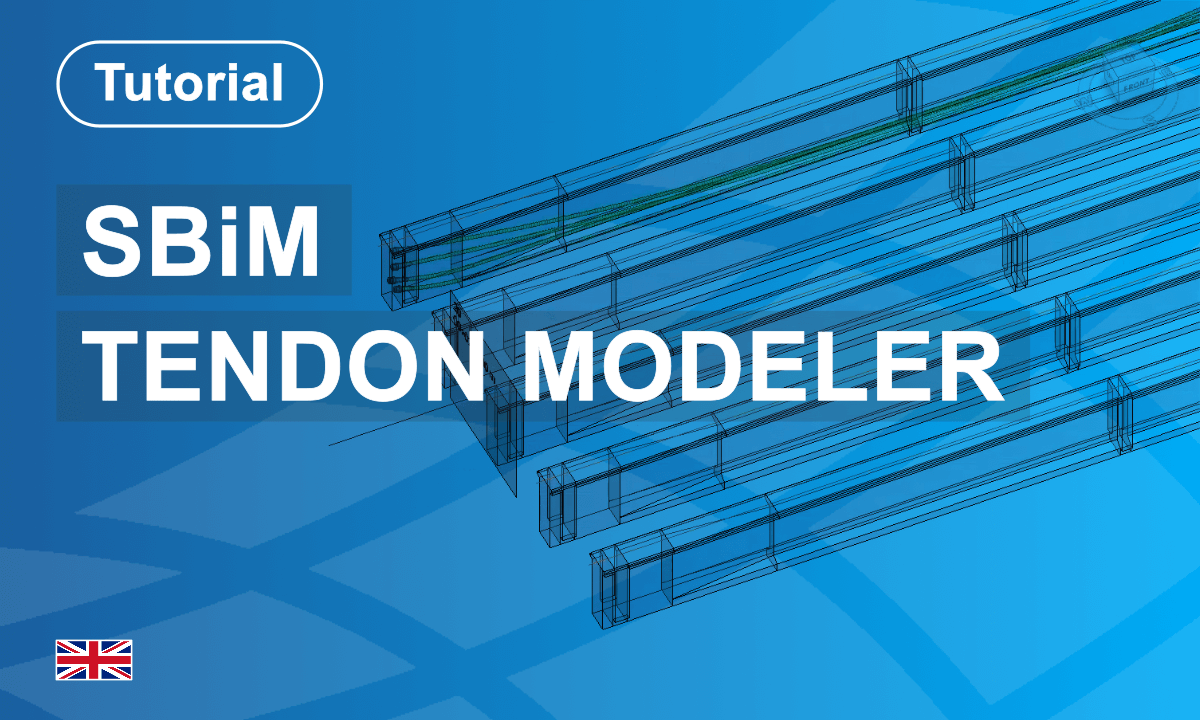
Unlock the power of efficient tendon modelling with the SOFiSTiK Tendon Modeler! This course will guide you through cutting-edge workflows that make tendon management in bridge and infrastructure design faster and more flexible. Learn how to manage tendon clusters easily, apply modifications across multiple tendons, and define precise properties using dynamic reference points. Discover the efficiency of adaptive paths, streamline tendon placement, and optimize designs for straight and curved alignments. With expert demonstrations and practical examples, this course will equip you with the tools to transform your tendon modelling approach and elevate your projects to the next level!
SOFiSTiK Tendon Modeler: Learn how to manage tendon clusters efficiently, apply modifications across multiple tendons, and use various viewing options for precise tendon positioning with the integration of the Infra Browser.
Reference Point-Based Tendon Layout: Learn to establish a tendon layout using reference points within a family. This allows for dynamic adjustments, precise tendon visualization, and vertical alignment control.
Multiple Tendons: Master modelling multiple parallel tendons in a T-beam section using adaptive paths and layout rules to streamline tendon placement and increase flexibility.
Tendon Layout Along an Axis: Understand how to define tendon layouts along a bridge axis, customize geometry, radius, and material, and adjust placement and symmetry for efficient structural integration.
Reference Curve for Girder Bridge Tendons: Explore how to model tendons along a girder bridge using a guiding curve workflow, ensuring tendons stay straight and adjusting lengths when transitioning straight to curved alignments.
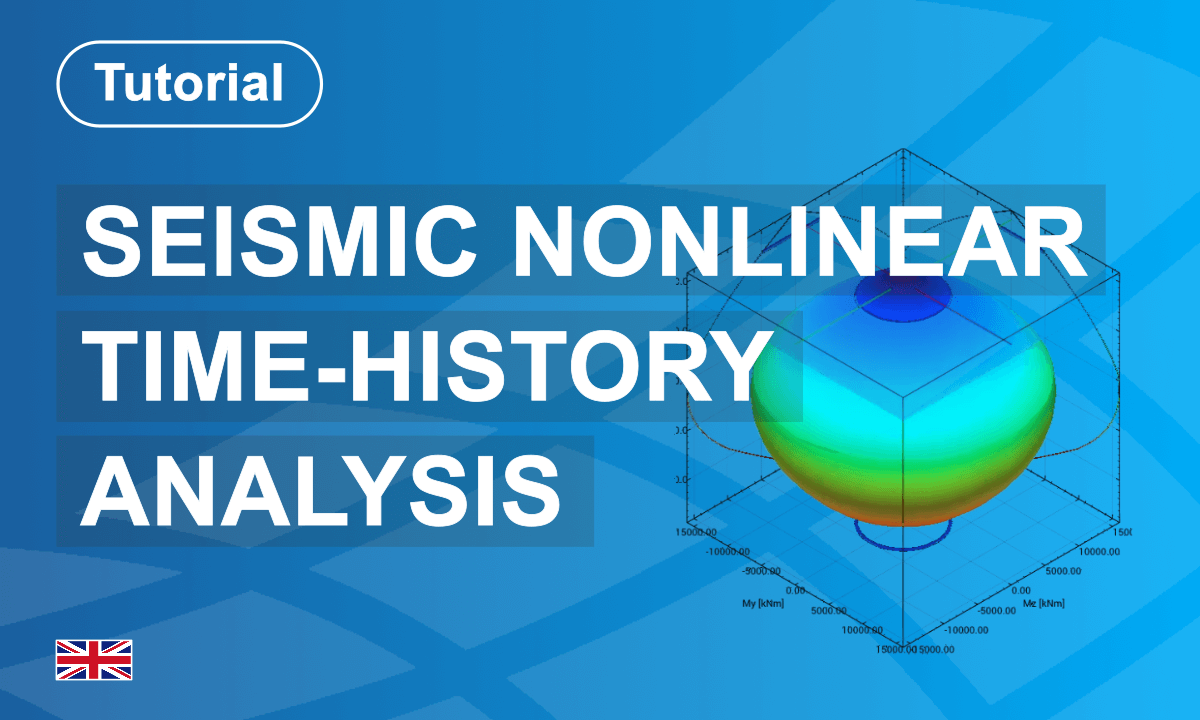
This course presents a complete workflow for performing seismic nonlinear time-history analysis of a reinforced concrete bridge pier using SOFiSTiK. Participants learn how to model material nonlinearity through plastic hinges, define hysteretic behaviour with the Modified Takeda model, and apply strain- and rotation-based performance criteria.
The tutorial guides users through the full analysis chain, from linear static and modal analyses to nonlinear dynamic simulation under real earthquake excitation (El Centro record). Key steps include damping definition, effective stiffness reduction, and time integration with adaptive convergence control.
Post-processing focuses on interpreting hinge behaviour, displacements, and performance level exceedance to assess structural safety and seismic performance. The course emphasizes performance-based evaluation and the realistic interaction of static, modal, and dynamic analyses for reinforced concrete bridge structures.
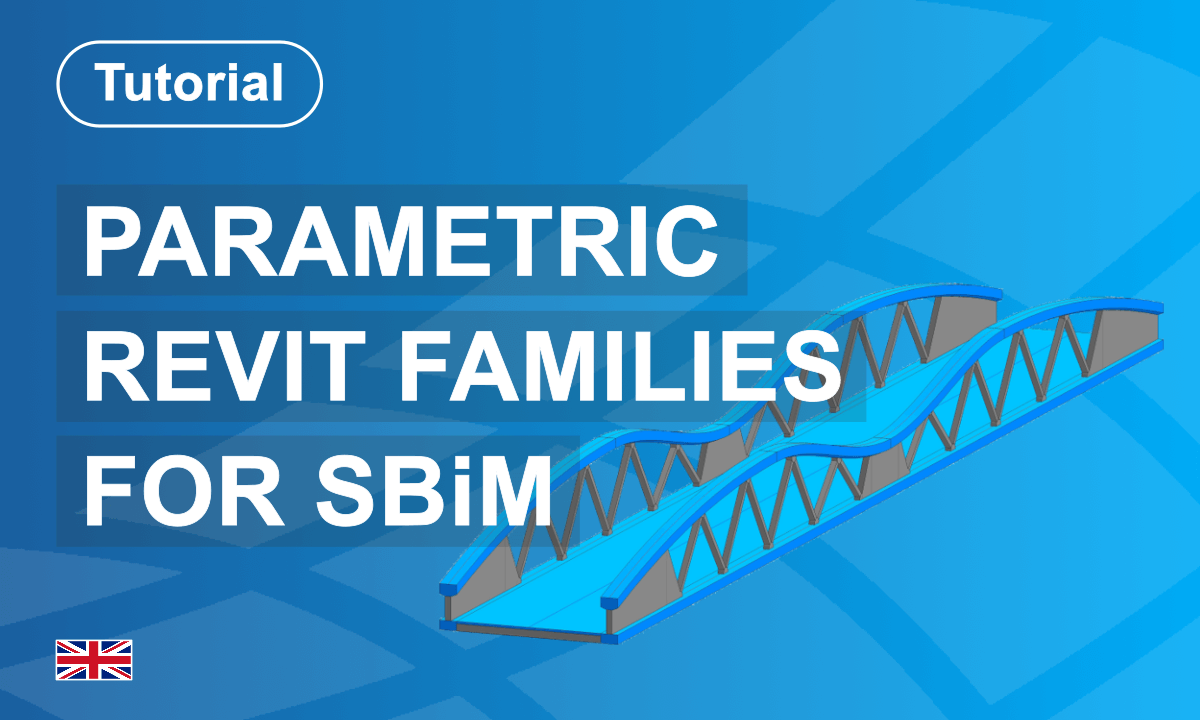
This course guides you through 12 compact lessons that build a complete understanding of creating and placing parametric families using the SOFiSTiK Bridge + Infrastructure Modeler.
From the fundamentals of adaptive points and interval placement to curvature-aware tunnel segments driven by θ/φ variables, you’ll develop practical, reusable components for any infrastructure project.
L’application SOFiSTiK Bridge + Infrastructure Modeler pour Autodesk Revit vous aide à créer des géométries d’infrastructure en 3D directement dans Autodesk Revit et met à votre disposition des outils pour l’élaboration des plans d’exécution.
Der SOFiSTiK Bridge + Infrastructure Modeler für Autodesk Revit unterstützt Sie bei der Erstellung dreidimensionaler Infrastrukturgeometrien direkt in Autodesk Revit und stellt Werkzeuge zur Ausarbeitung von Werkstattzeichnungen bereit.
The SOFiSTiK Bridge and Infrastructure Modeler for Autodesk Revit App helps you create 3-dimensional infrastructure geometries directly inside Autodesk Revit and provides tools for developing shop drawings.
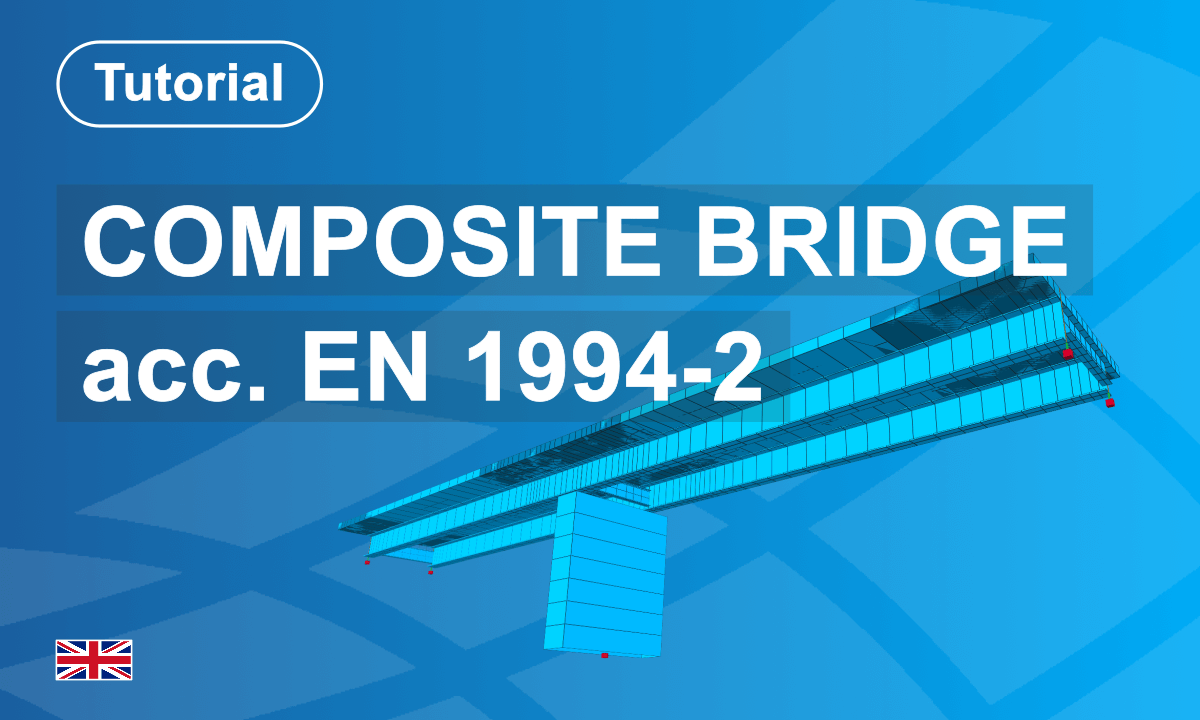
This tutorial will introduce you to the workflow of designing a composite bridge using SOFiSTiK FEA 2026.
The focus lies on performing the key design checks for composite bridges in accordance with EN 1994-2.
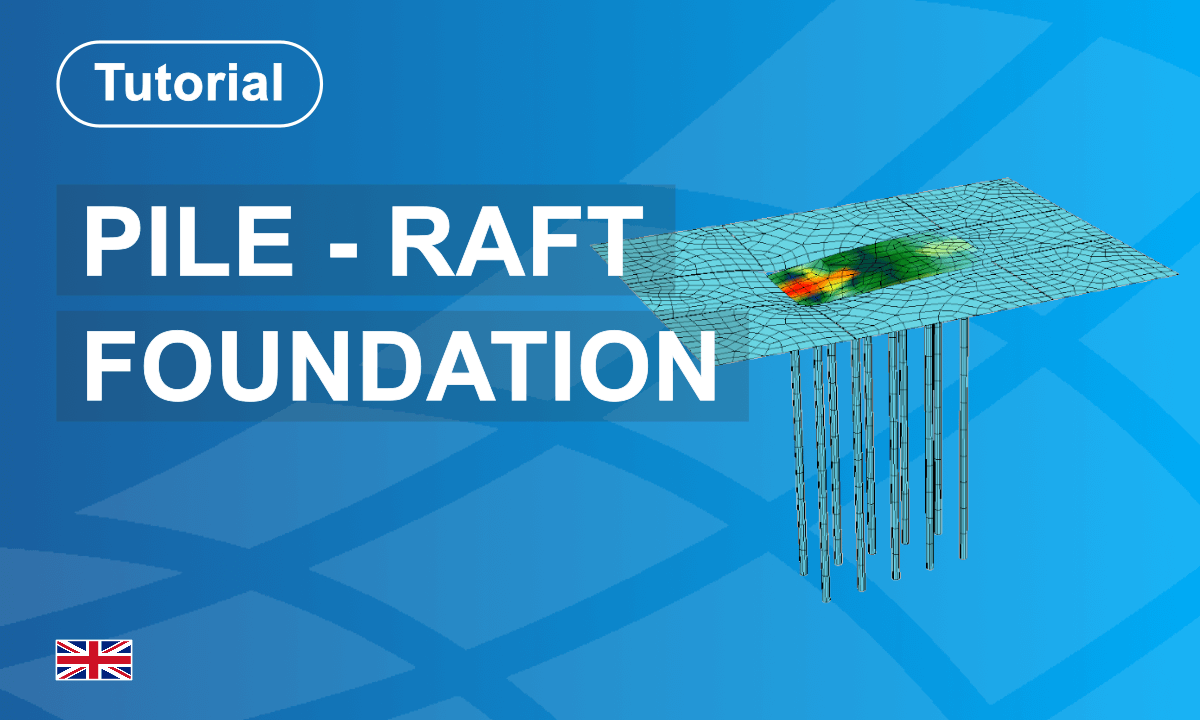
In this course, you will learn how to model a simple piled raft foundation and understand the fundamental principles of soil–structure interaction using half-space analysis.
You will:
Build the complete example model from scratch
Define and assign soil profiles
Use the Soil–Structure Interaction task effectively
Generate clear and meaningful graphics for your report
Design the raft and piles using the available tasks in SOFiSTiK Structural Desktop
By following the step-by-step lessons, you will develop the entire piled raft foundation model yourself.
If you prefer to start with a finished model, the complete project files are also provided below.
Let’s begin and explore the example together in the first lesson.
Happy Learning!

The SOFiSTiK Glossary is a central reference course for technical terms, abbreviations, and key concepts used across SOFiSTiK applications, tutorials, and learning modules.
It helps you quickly understand product names, engineering terminology, and workflow-specific expressions such as CADiNP, SAF, FEABENCH module, load combinations, reinforcement sets, and many others. The glossary is designed to support your learning process by providing short, searchable explanations directly related to modelling, analysis, design, detailing, and BIM workflows. Whether you are new to SOFiSTiK or expanding your expertise, this glossary helps you build technical understanding and navigate course content more confidently.
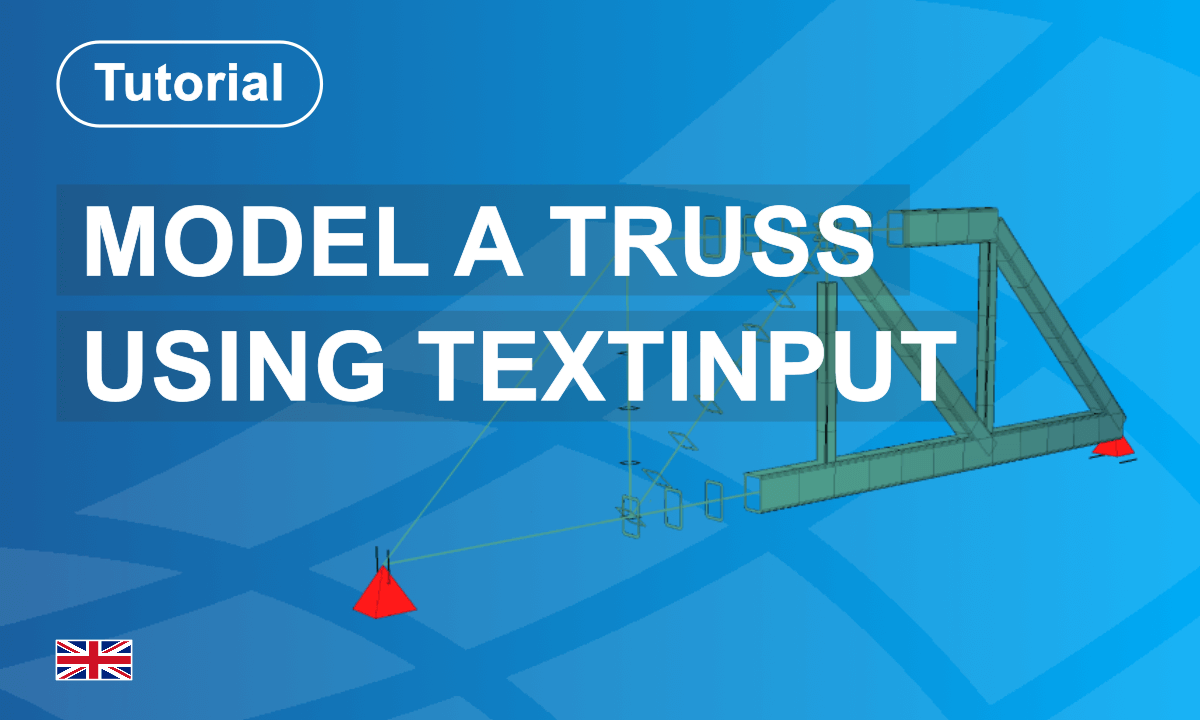
This course introduces the parametric modelling and analysis of a truss structure using SOFiSTiK's text interface.
Starting from a practical example, you will create a new project, define cross-sections, and establish system properties before introducing variables that control the structural geometry. Step by step, you will generate truss nodes, top and bottom chords, vertical members, and diagonals. Supports and loads are then applied before the structural calculation is performed. A key aspect of the tutorial is the use of CADiNP, SOFiSTiK's text interface, which enables efficient parameter-driven modelling and transparent control of the structural analysis workflow.
This course will teach you the fundamentals of Text Input in SOFiSTiK FEA.
You will hear about the Text Editor, the Input Structure, and the Syntax CADiNP. Every lesson introduces you to new commands and input options while working on your first script. More than 60 lessons, totaling 7 hours of video content, are waiting for you to dive into the most powerful input option in SOFiSTiK FEA.
Learn about the powerful text input of SOFiSTiK that can help you to optimise workflows and increase your efficiency!

In this SOFiPLUS Features collection, you'll discover powerful SOFiPLUS tools that streamline your structural modelling workflow. From intelligent load application to efficient element selection, these features are designed to save time and reduce manual effort:
Load Distribution Areas – Apply free loads to beam systems like facades or bridges quickly and accurately without calculating and assigning individual line loads.
Find Elements – Easily locate structural points, lines, or areas in your model using the "Find Elements" tool and take immediate action—zoom, edit, or continue searching.
Union and Subtract for Structural Areas – Combine or subtract areas to shape your model with flexibility using familiar CAD-style editing commands tailored for structural objects.
Openings in Structural Areas – Insert staircases, windows, or other openings with ease using the "Opening" command, avoiding time-consuming manual modeling.
Running Imposed Load – Automate the distribution of loads along a path (straight, curved, or complex) and keep them grouped for easy adjustments later.
And More Tips Ahead – This module is just the beginning. You'll continue to uncover helpful commands and smart workflows to make your work in SOFiPLUS even more effective.
Mastering SOFiPLUS doesn’t just save you time—it empowers you to build smarter, faster, and with more confidence in every SOFiPLUS project.

Watch the full SOFiSTiK 2026 Online Event recordings and explore how the latest release elevates efficiency, automation, and interoperability across the entire SOFiSTiK ecosystem.
In a series of focused sessions, you’ll discover key innovations that simplify and connect your daily engineering workflows — from bridges and infrastructure to buildings — all seamlessly integrated within a modern BIM environment.
Experience how SOFiSTiK 2026 strengthens collaboration between modelling, analysis, and documentation — setting new standards for precision, transparency, and flexibility in structural engineering.


