Text size
Line height
Text spacing
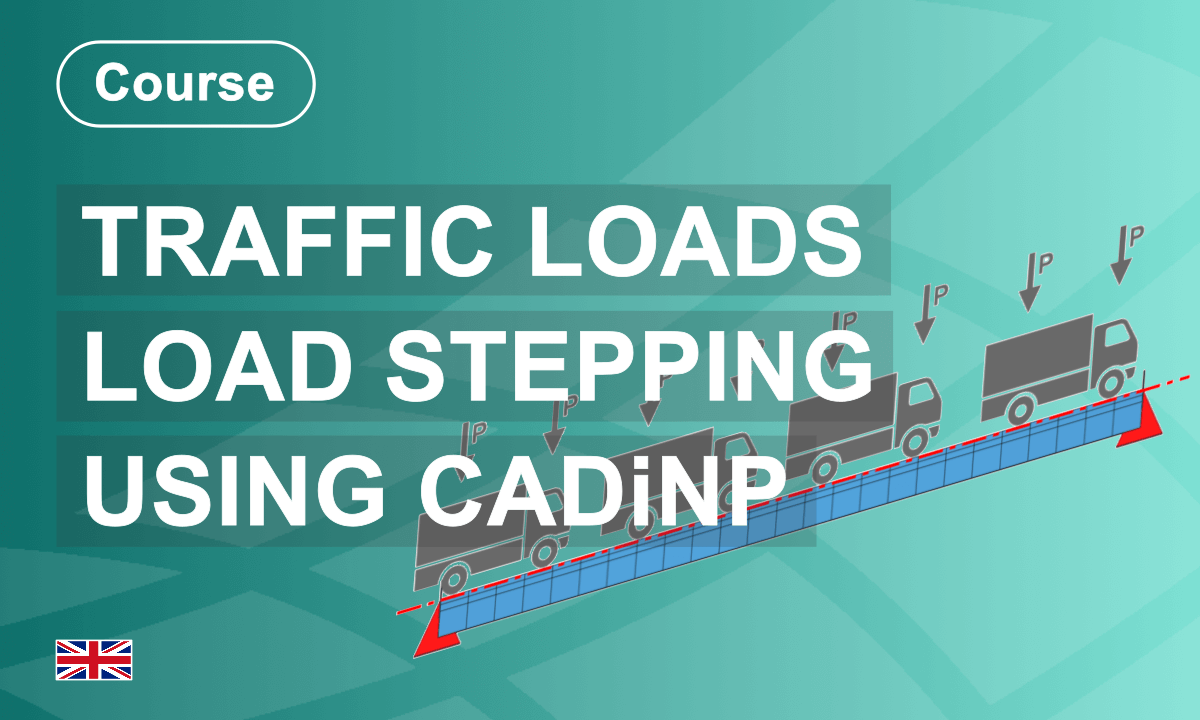
In this course, you will learn about all the necessary steps and how to implement them. As well as how to improve the workflow by introducing variables.
Load stepping is an alternative to the commonly used influence lines (programme module ELLA). However, it requires a 5-step workflow with text-based input to work.
The influence line method.
This method works underneath the Traffic Loader Task in SOFiSTiK Structural Desktop. If you use the text interface, the programme module "ELLA" creates and analyses the influence lines to generate traffic load results and envelopes.
Load stepping method.
Although the influence lines workflow is similar, the Load Stepping method requires a manual definition of every traffic load position.
The workflow:
Step 1 Definition of Lanes
Step 2 Select Load Trains
Step 3 Load Stepping
Step 4 Linear Analysis
Step 5 Create Envelopes
In the following lessons, you will learn about the principles of Load Stepping and be introduced to all five workflow steps. The approach will be illustrated with simple examples, focusing on the necessary inputs to apply everything to your live projects.
Enjoy the Course!


